













Cloud Computing for Gaming: Exploring Shadow PC Alternatives
The best service depends on the kind of access you need. A game-streaming platform may be enough if you only want to play titles from a supported catalog.
Cloud Computing for Gaming: Exploring Shadow PC Alternatives
PC gaming has traditionally depended on local hardware. Players needed a capable processor, dedicated graphics card, sufficient memory, and enough storage to run demanding titles. Cloud computing is changing that model by allowing users to access gaming-capable computers hosted in remote data centers.
With cloud computing gaming, the game runs on a remote computer while the player receives a streamed video feed and sends controls over the internet. This makes it possible to access a more powerful computing environment without necessarily purchasing a new gaming desktop.
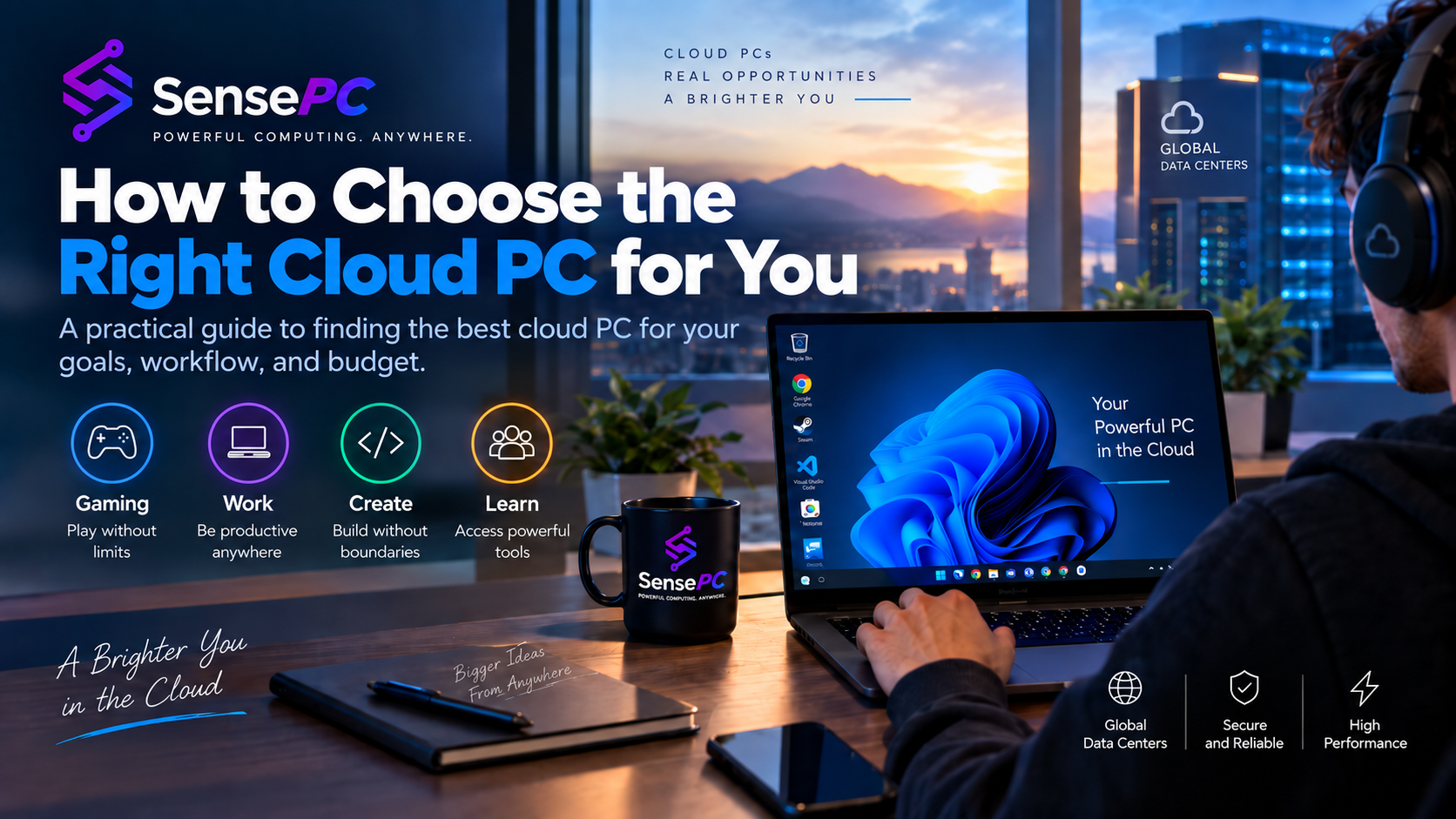
As the market develops, players are also exploring Shadow PC alternatives to find services that offer different pricing structures, hardware configurations, storage options, and access methods. SensePC is one option in this category, providing a configurable Windows cloud PC with gaming-focused Xtreme configurations.
Understanding the differences between cloud gaming platforms and full cloud computers can help players choose a service that matches their gaming habits.
What Is Cloud Computing for Gaming?
Cloud computing for gaming uses remote computing resources to run games instead of relying entirely on the player's local hardware.
A cloud gaming computer typically includes a processor, RAM, storage, and graphics resources. The game runs on that remote system, and its output is streamed to the user's device.
The process works in a few stages:
-
Remote provisioning: A cloud gaming computer is created with a selected hardware configuration.
-
Game installation: The user accesses a supported operating system and installs compatible games or launchers.
-
Remote processing: The cloud computer handles the game's processing and graphics rendering.
-
Video streaming: The rendered output is sent to the user's local device.
-
Input transmission: Keyboard, mouse, or controller actions travel back to the remote computer.
The local device primarily acts as the display and input interface. However, it still needs a compatible browser or client, sufficient decoding capability, and a stable internet connection.
Cloud gaming is therefore not simply about having a powerful remote GPU. The quality of the connection between the player and the data center also matters.
Cloud Gaming Platforms vs. Full Cloud PCs
One of the most important distinctions when comparing gaming services is whether the provider offers a game-streaming platform or a complete remote computer.
These two approaches serve different needs.
Game-streaming platforms
Traditional game-streaming platforms generally provide access to a supported collection of games. Users connect to the platform, select an available title, and start playing without managing a complete desktop environment.
This can be convenient for players who want a straightforward gaming experience and do not need to install or manage additional software.
Full cloud gaming PCs
A full cloud gaming PC provides a remote desktop environment. Depending on the provider, users can access Windows, install compatible game launchers, manage files, and use other desktop applications.
This approach offers more control over the computing environment, but users may also be responsible for game installation, software configuration, licensing, and compatibility checks.
| Comparison | Game-streaming platform | Full cloud gaming PC |
|---|---|---|
| Game selection | Supported catalog | Compatible games installed by the user |
| Desktop access | Usually limited | Full remote desktop |
| Game launchers | Platform-managed | User-managed or preconfigured |
| Software installation | Usually restricted | Available for compatible applications |
| Storage management | Provider-managed | Depends on cloud PC storage |
| Flexibility | Focused on gaming | Gaming and general computing |
| Setup | Often simpler | May require configuration |
For players who want a complete remote Windows computer rather than a fixed game catalog, full cloud PC providers are worth comparing.
Why Are Gamers Looking for Shadow PC Alternatives?
Shadow PC is a recognized full cloud computer service that allows users to access a remote Windows environment. It is designed for more than gaming, giving users access to a virtual computer for compatible applications and games.
However, one service does not necessarily fit every player's needs. Gamers may look for alternatives for several reasons.
Different billing preferences
Some players prefer a monthly subscription because they use their cloud computer regularly. Others want hourly access for occasional sessions or short-term projects.
A provider offering multiple billing options may be more suitable for users whose gaming schedules change throughout the month.
Hardware configuration
Different games place different demands on a computer. One player may need additional CPU resources, while another may prioritize memory, GPU capacity, or storage.
Comparing actual hardware specifications is more useful than relying only on general labels such as gaming tier or high performance.
Regional availability
The distance between a user and the data center can affect latency. A service with a suitable nearby region may offer a better connection experience than one with a distant location.
Regional availability should be checked before choosing a provider.
Storage requirements
Large PC games can occupy substantial SSD space. Players with extensive libraries should compare included storage, expansion options, persistence, and the rules for retaining data after stopping or deleting a cloud PC.
Desktop flexibility
Some users want a computer that can handle gaming alongside development tools, creative applications, browsers, and other Windows software.
A full cloud desktop may be more useful than a service designed exclusively around game streaming.
Shadow PC Alternatives: What Should You Compare?
When researching Shadow PC alternatives, focus on the practical differences between providers instead of choosing based on brand recognition alone.
1. Pricing and billing structure
Compare whether a provider charges hourly, daily, monthly, or through another subscription model.
A monthly plan can make sense for frequent users, but occasional players may prefer a service that charges according to actual usage.
Also check whether storage is billed separately and whether a stopped computer continues to incur charges.
2. GPU specifications
The graphics processor is important for gaming, but the model alone does not tell the complete story.
Check:
-
GPU model and architecture.
-
Available GPU memory.
-
Whether GPU resources are dedicated or shared.
-
The selected CPU and RAM configuration.
-
Whether the provider publishes realistic gaming compatibility information.
Different configurations can produce different results, even when they use the same GPU family.
3. CPU and memory
Games often rely on both processor and memory resources. Background applications, launchers, recording software, and multitasking can also increase resource requirements.
Compare the complete configuration rather than evaluating GPU specifications in isolation.
4. Persistent storage
A persistent SSD can make a cloud gaming PC more convenient by retaining installed games, launchers, and settings between sessions.
Check what happens when the computer is stopped, resized, or deleted. These actions may have different consequences for attached storage.
5. Connection methods
Some services provide browser-based access, while others offer native desktop clients or dedicated streaming applications.
A browser can simplify access, while a native client may offer a more suitable connection experience for performance-sensitive sessions.
The best method depends on the service, device, network, and gaming workload.
6. Game and anti-cheat compatibility
Not every PC game supports cloud or virtual environments. Some publishers, DRM systems, launchers, and anti-cheat tools may restrict remote or virtualized computers.
Secure Boot and TPM 2.0 support can satisfy certain technical requirements, but they do not guarantee compatibility with every game.
Always verify compatibility for the specific titles you plan to play.
SensePC as a Shadow PC Alternative
SensePC is a configurable cloud PC platform designed for gaming, development, creative workloads, and general desktop computing.
Unlike a service that only streams games from a fixed catalog, SensePC provides a Windows 11 cloud desktop where users can access supported software and manage compatible games through their own accounts.
Its gaming-focused Xtreme configurations use NVIDIA L4 graphics with 24 GB of GPU memory.
SensePC Xtreme configurations
| Configuration | CPU | RAM | Starting SSD |
|---|---|---|---|
| Xtreme Core | 4 vCPU | 16 GB | 220 GB |
| Xtreme Pro | 8 vCPU | 32 GB | 500 GB |
| Xtreme Ultra | 16 vCPU | 64 GB | 500 GB |
All three configurations use NVIDIA L4 graphics. The main differences are CPU, RAM, and starting storage capacity.
Xtreme plans also have Steam and Epic Games Launcher ready. Users sign in with their own accounts and install games they own or are licensed to access.
How SensePC differs from Shadow PC
The two services provide full cloud PC environments, but their access and billing approaches differ.
| Feature | SensePC | Shadow PC |
|---|---|---|
| Product type | Full Windows cloud PC | Full Windows cloud PC |
| Gaming access | Bring your own games and accounts | Bring your own games and accounts |
| Billing approach | Hourly, Daily, or Monthly | Subscription-based plans; check current regional offers |
| Gaming hardware | NVIDIA L4 on Xtreme tiers | Hardware depends on the current plan and region |
| Storage | Persistent SSD with available configuration options | Persistent storage with plan-dependent options |
| Connection | Browser and Amazon DCV Performance Mode | Supported Shadow applications and browser access |
| Other workloads | Gaming, development, and general computing | Gaming and general computing |
The most important difference for occasional users is billing flexibility. SensePC offers Hourly, Daily, and Monthly options, while Shadow PC's available subscription structure should be checked for the user's country and current plan.
Neither service should be assumed to offer identical performance in every location. Compare available data centers, network latency, hardware, and actual game compatibility before making a decision.
How to Choose the Right SensePC Gaming Configuration
Selecting a cloud computer should begin with the games and applications you intend to run.
Xtreme Core: A starting option for lighter gaming and users who want to try a dedicated GPU cloud PC.
Xtreme Pro: A balanced option with additional CPU and memory headroom for gaming and multitasking.
Xtreme Ultra: The largest standard Xtreme configuration, suitable for users who need more CPU and RAM capacity for demanding workloads, background applications, or recording tools.
The right configuration depends on the requirements of individual games. A larger plan does not automatically guarantee a particular frame rate or eliminate network latency.
SensePC also provides browser access and Performance Mode through the native Amazon DCV client on supported desktop and laptop systems. For gaming, a stable connection and a nearby available data-center region are important.
Windows 11 on SensePC follows a Bring Your Own License (BYOL) model. Users must provide an eligible Windows license and follow applicable licensing terms.
Is Cloud Computing for Gaming Worth It?
Cloud computing for gaming can be useful for players who want access to more powerful hardware without purchasing and maintaining a high-end physical computer.
It is particularly worth considering when:
-
Your existing laptop or desktop cannot comfortably run certain games.
-
You want access to a remote Windows desktop.
-
You prefer usage-based billing instead of committing to a long subscription.
-
You want to use one cloud computer for gaming and other compatible workloads.
-
You need a flexible way to access computing resources from supported devices.
However, cloud gaming is not ideal for every situation. It requires a reliable internet connection, and latency-sensitive games may feel different from playing on local hardware. Game compatibility, regional availability, storage costs, and provider policies also deserve attention.
Final Thoughts
The search for Shadow PC alternatives reflects a wider change in how people access gaming hardware. Cloud computing allows players to use remote graphics and processing resources without owning every component locally.
The best service depends on the kind of access you need. A game-streaming platform may be enough if you only want to play titles from a supported catalog. A full cloud PC may be a better choice if you want a Windows desktop, your own game launchers, persistent storage, and flexibility beyond gaming.
SensePC offers this full cloud PC approach with NVIDIA L4-powered Xtreme configurations and Hourly, Daily, and Monthly billing options. Compare the available configurations, current regional pricing, network conditions, and game compatibility to decide whether it fits your gaming setup.
What's Your Reaction?
 Like
0
 Dislike
0
 Love
0
 Funny
0
 Angry
0
 Sad
0
 Wow
0